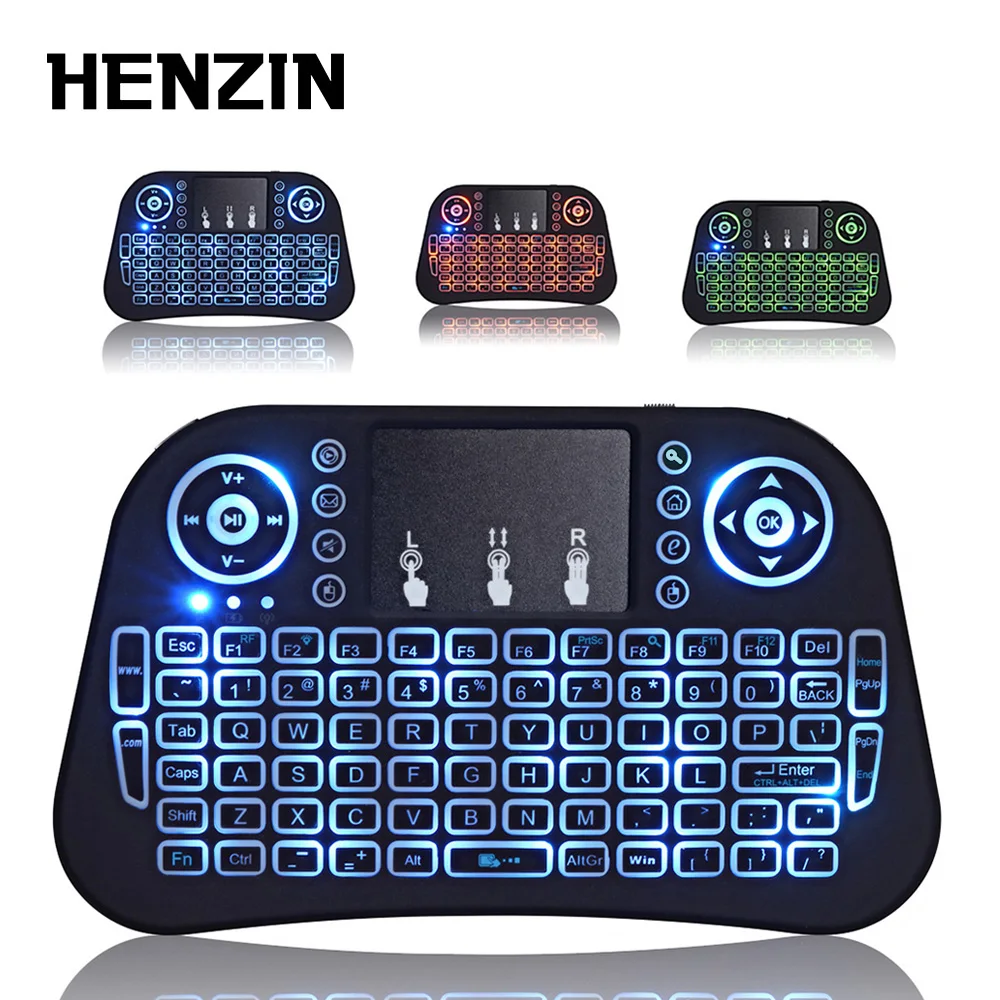
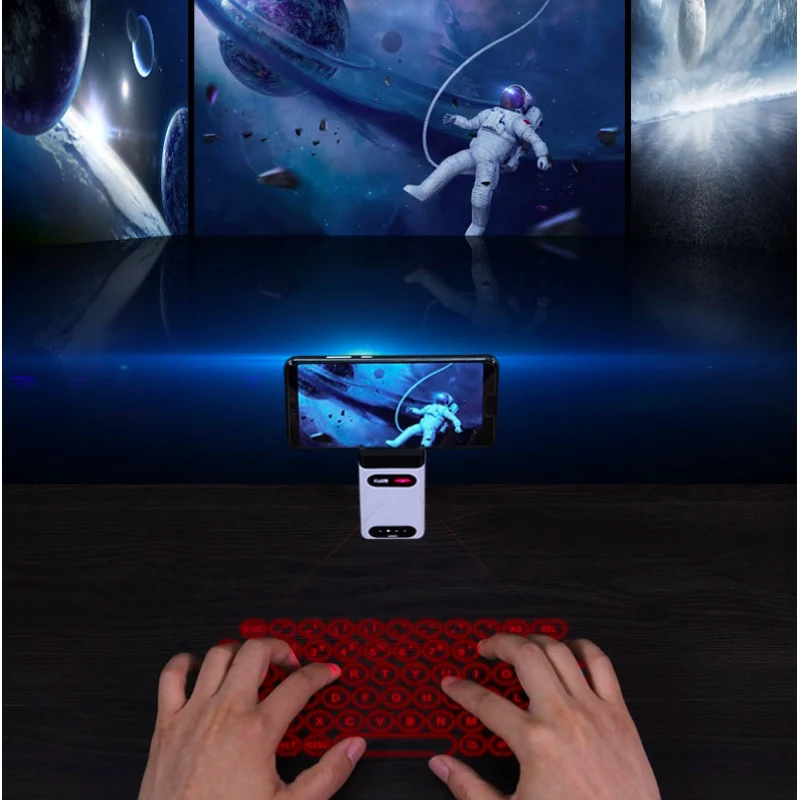
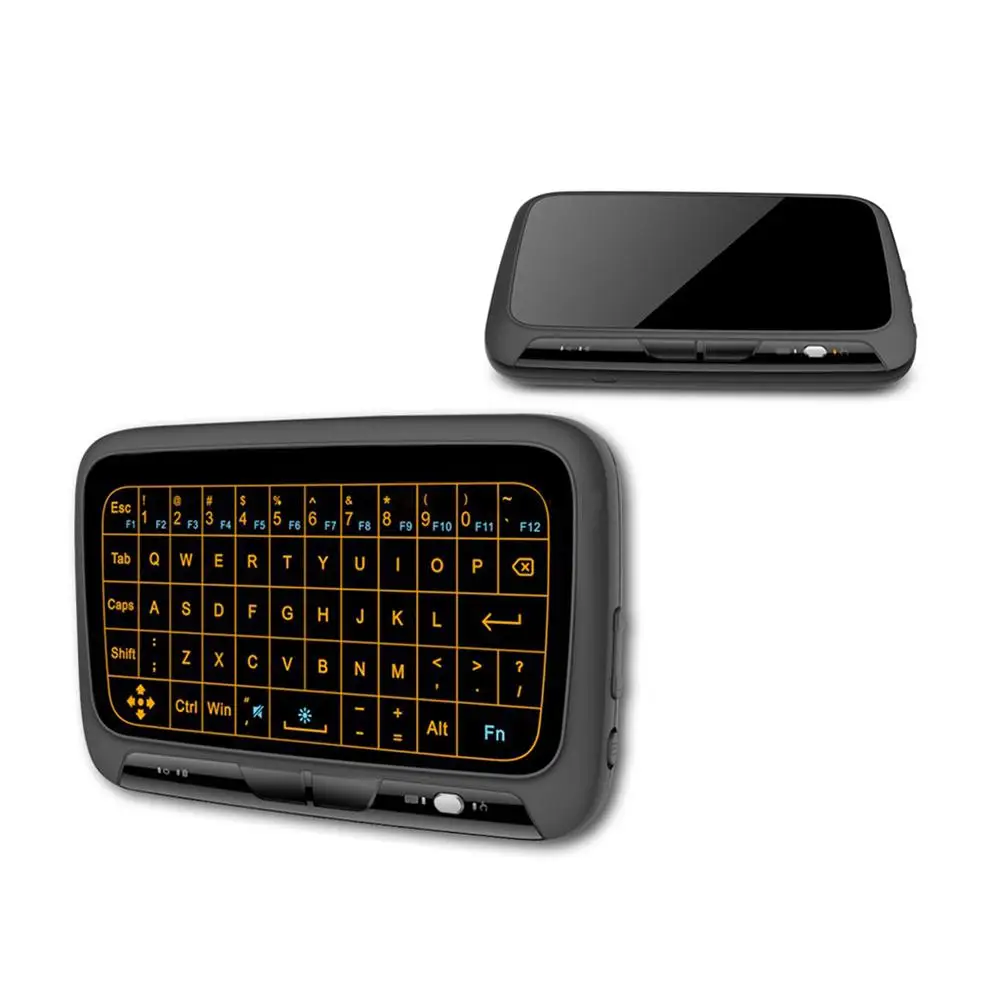
Мини-беспроводная игровая клавиатура 2,4 ГГц с подсветкой, сенсорной панелью и мышью для ПК, Android TV и ноутбука.
1334.14

Сохраните в закладки:
*История изменения цены! Указанная стоимость возможно, уже изменилось. Проверить текущую цену - >
| Месяц | Минимальная цена | Макс. стоимость | Цена |
|---|---|---|---|
| Mar-20-2026 | 4748.21 руб. | 4985.88 руб. | 4866.5 руб. |
| Feb-20-2026 | 4708.44 руб. | 4943.69 руб. | 4825.5 руб. |
| Jan-20-2026 | 3950.97 руб. | 4148.17 руб. | 4049 руб. |
| Dec-20-2025 | 4628.27 руб. | 4859.58 руб. | 4743.5 руб. |
| Nov-20-2025 | 4030.17 руб. | 4232.76 руб. | 4131 руб. |
| Oct-20-2025 | 4549.4 руб. | 4776.46 руб. | 4662.5 руб. |
| Sep-20-2025 | 4509.77 руб. | 4734.67 руб. | 4621.5 руб. |
| Aug-20-2025 | 4469.2 руб. | 4692.60 руб. | 4580.5 руб. |
| Jul-20-2025 | 4429.37 руб. | 4650.64 руб. | 4539.5 руб. |
Новые товары
Характеристики
Описание товара
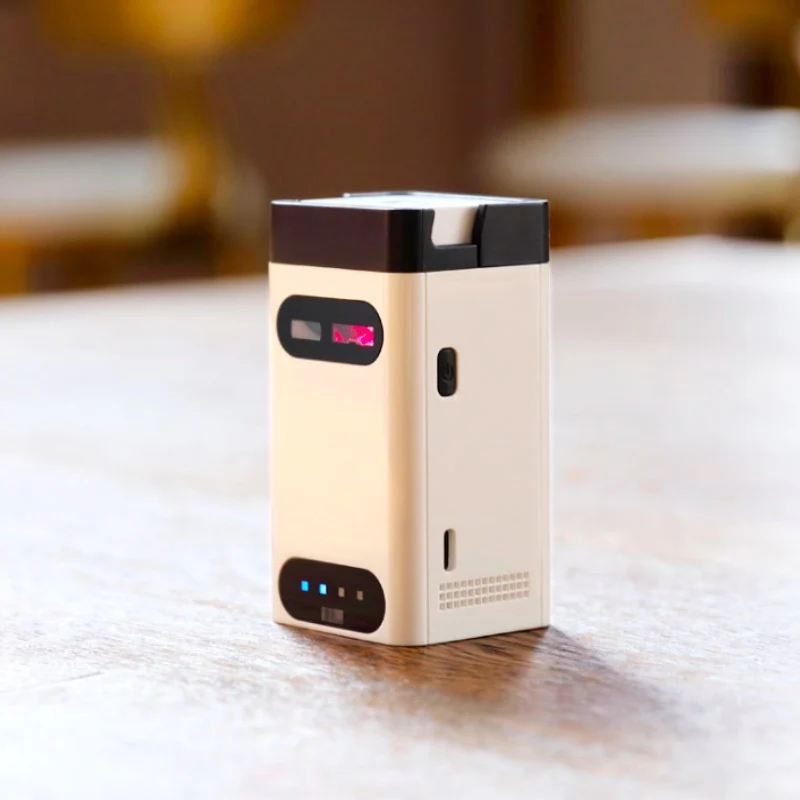
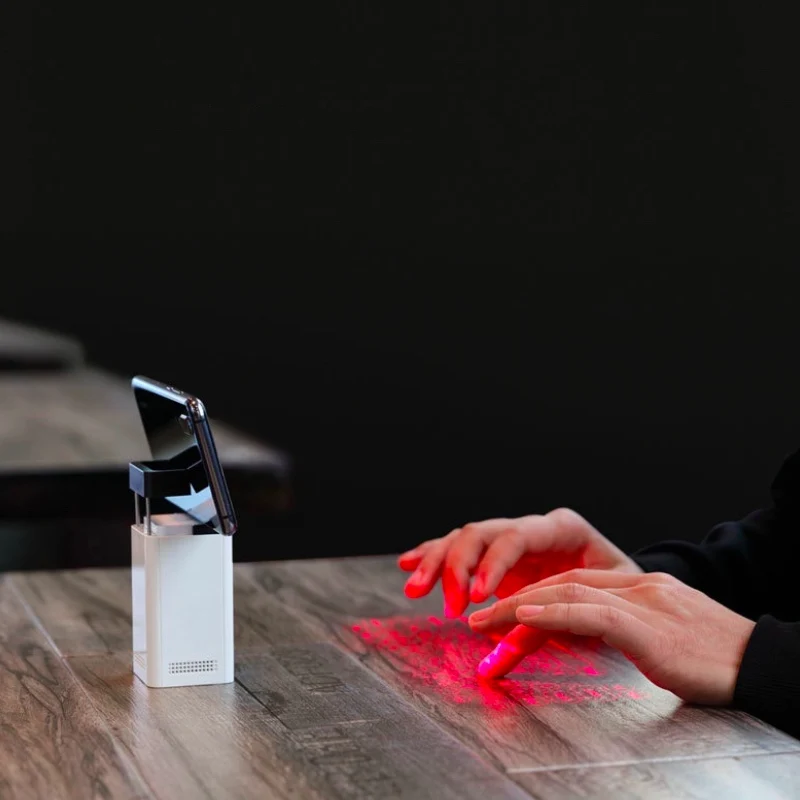
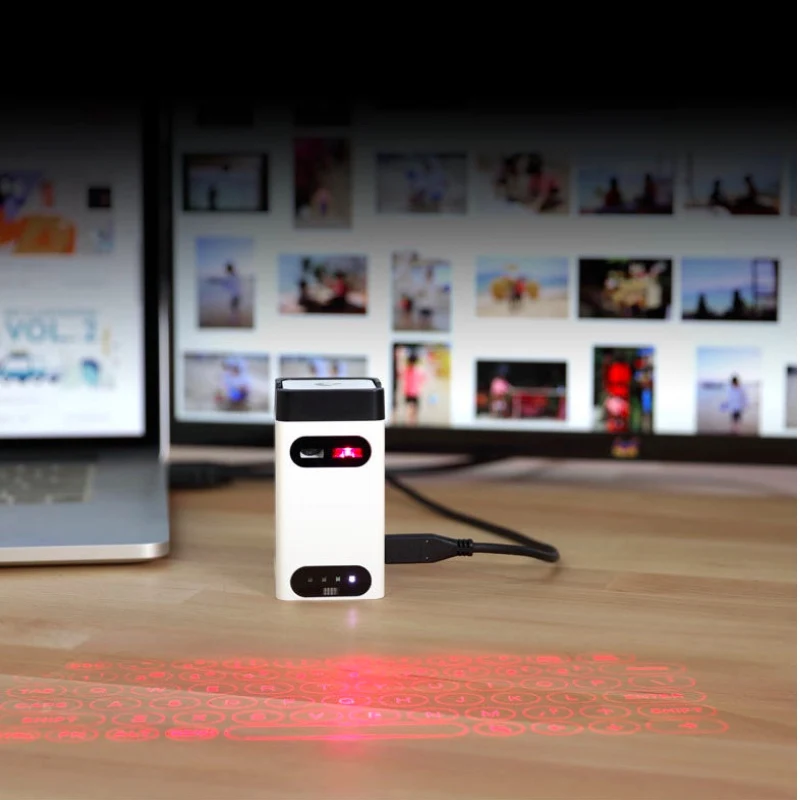
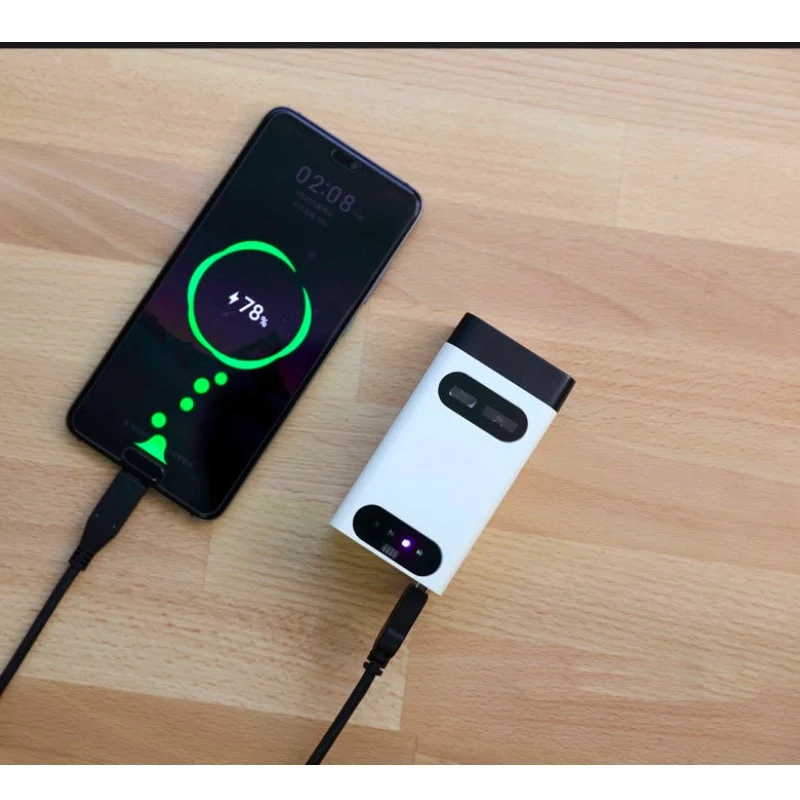
Product Features: • English QWERTY keyboard layout. • Full size key pitch and shortcut keys for ease of operation. • Mouse function. • USB connection. • Bluetooth connection 3.0. • Built-in Lithium-ion rechargeable battery for mobility and convenience • Compatible with latest operating systems: Windows 7 & later, Windows Phone 7 & later,iOS8& later, Android 4.0 & later, Mac OS X & later.
Connecting via USB: •Laser Projection Keyboard is compatible with all USB HID capable operating systems. USB HID connection allows plug-on-play without installing a separate drive. 1.Connect Laser Projection Keyboard and host device using supplied USB Type-C cable.Host device must support USB HID. 2. Power on Laser Projection Keyboard. Connecting via Bluetooth: •Laser Projection Keyboard supports Bluetooth HID: • Connection via Bluetooth HID does not require installation of separate driver as long as the host device has HID compatibility. • Bluetooth 3.0 or higher required for connecting to some devices. Bluetooth Connection Instruction: 1.Power on Laser Projection Keyboard 2. Bluetooth Status LED will be blinking indicating the Laser Projection Keyboard is searching for anew device or previously paired devices within its proximity . Laser Projection Keyboard will automatically attempt to re-connect to the recently connected devices This feature is added for convenience, assuming there is a single host device. If the Laser Projection Keyboard has re-connect the recently connected devices but it need pair for anew device, Turn the connected device Bluetooth off, the Bluetooth Status LED will be blinking again. 3.On primary device,go to Bluetooth setting;search for Bluetooth devices. 4.When the device discovers” Laser Projection keyboard”,tap to connect. 5.Upon successful pairing, the LED will stop blinking and turn off Power Saving Mode Guide: The brightness will change to low level if there is no operation on the keyboard within 30 seconds. Press any key to resume to standard brightness. Factory default brightness is the highest level during power on. The product will be automatically standby if there is no operation on the keyboard within 5 minute. Press Power Switch to restart the product. Making Adjustments: >Sound Feedback Adjustment ·There are total of 5 levels;sound level remains as adjusted when device is turned offand on. ·To increase sound level:Tap and hold “FN” key and tap ”RIGHT” arrow key. ·To decrease sound level:Tap and hold “FN” key and tap ”LEFT” arrow key. >Projection Brightness Adjustment ·There are total of 4 brightness levels. ·To increase brightness:Tap and hold “FN” key and tap “UP”arrow key. ·To decrease brightness:Tap and hold “FN” key and tap “DOWN”arrow key. Mouse Mode: To change keyboard mode to mouse mode on the keyboard, press the key. The projection keyboard brightness will change to low level. To Change mouse mode to keyboard mode, on the keyboard, press the key. The projection keyboard resume to standard brightness. +Mouse/cursor function is available on devices that support such feature (Most Windows,Android and Mac OS). Note: iOS devices do not support mouse function.

Категорически не советую связываться с этим магазином особенно через Алиэкспресс. Магазин прислал 2 ПРОСРОЧЕННЫХ аж на 1,5 года каhтриджа!... Читать отзыв полностью...

Самый важный критерий для меня — у этих наушников не перетирается кабель. Это причина, по которой обычно я наушники выбрасываю.... Читать отзыв полностью...

Давно искал такую модель, где штекер для прикуривателя не зафиксирован в одном положении, потому что у меня гнездо находится внутри... Читать отзыв полностью...

Здравствуйте. Подскажите, пожалуйста у вас есть батарея на телефон Gretel A7... Читать отзыв полностью...

Дочка занимается верховой ездой и в восторге от шикарного принта с лошадками. От себя добавлю — рюкзак вместительный, крепкий, выдерживает... Читать отзыв полностью...

Этот продавец продал мне дефектный монитор и отказался его заменить или вернуть деньги. Не советую что-либо покупать у этого продавца.... Читать отзыв полностью...




Самое главное товар доставили очень быстрая и при этом как обычно бывает, не нарушили целостность посылки. Упаковка не нарушено, целая... Читать отзыв полностью...